
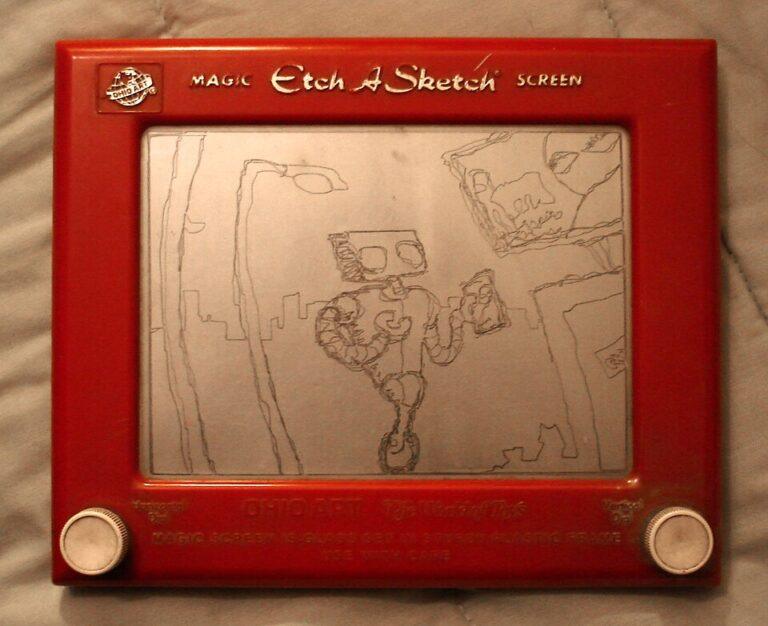
Narito ang mga sagot sa ilang katanungan tungkol sa Etch-A-Sketch. Ang Etch-A-Sketch nga pala ay isang classic mechanical drawing toy kung saan puwede ka mag-drawing sa pamamagitan nang pag-pihit ng dalawang knobs. Hindi ito gumagamit ng ink, ng paint o ng batteries. Mabubura ang nai-drawing mo kapag ito ay iyong inalog.
Q: My Etch-A-Sketch has all of these funny little lines all over the screen.
A: Pick it up and shake it.
Q: How do I turn my Etch-A-Sketch off?
A: Pick it up and shake it.
Q: What’s the shortcut for Undo?
A: Pick it up and shake it.
Q: How do I create a New Document window?
A: Pick it up and shake it.
Q: How do I set the background and foreground to the same color?
A: Pick it up and shake it.
Q: What is the proper procedure for rebooting my Etch-A-Sketch?
A: Pick it up and shake it.
Q: How do I delete a document on my Etch-A-Sketch?
A: Pick it up and shake it.
Q: How do I save my Etch-A-Sketch document?
A: Don’t shake it.