
If you love games but you’re allergic to prices (same here), good news – there’s a website that gives free PC games every single week. Legit. Legal. No cracks or torrents involved.
Yes, the Epic Games Store (the company behind Fortnite and Unreal Engine) gives away 1–2 free games weekly. And once you claim it, the game is yours forever. Even if the promo ends, they won’t take it back from you.
So, how do you get these free games? Let’s go step-by-step!
Step 1: Create an Epic Games Account
Click Sign In (upper right).
Choose how you want to register. You can use Google, Facebook, Xbox, PlayStation, Nintendo, Apple, or just your email.
Verify your email. Done!
Pro Tip: If you already have a Fortnite or Rocket League account, that’s already an Epic account.
Step 2: Find the “Free Games” Section
On the Epic Games Store homepage, scroll down until you see the “Free Games” section. Shortcut: https://store.epicgames.com/free-games
Here you’ll see the games that are currently free, the countdown of how long the promo lasts (usually 1 week: Thursday to Wednesday Philippine Time), and what the next set of free games will be.
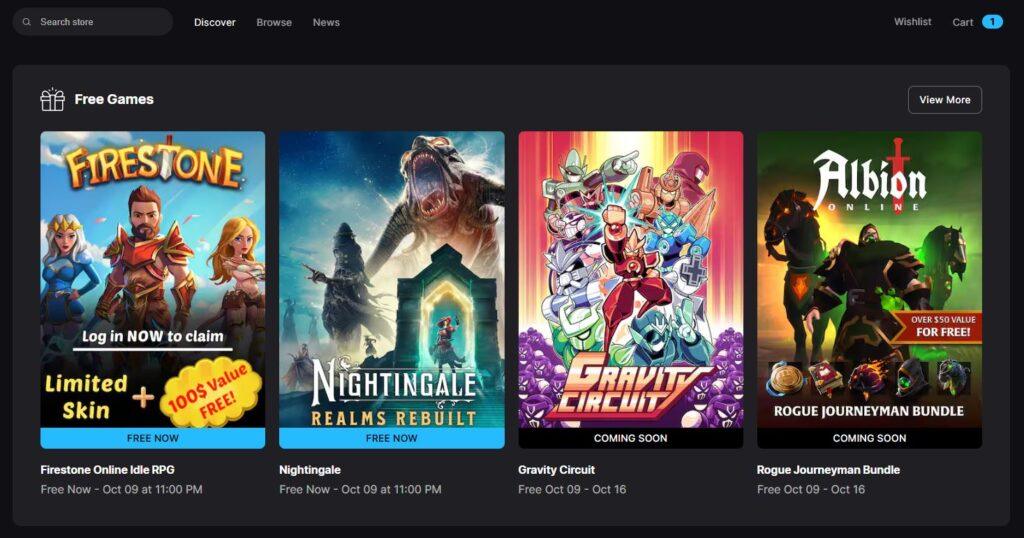
In the example, Firestone Online Idle RPG and Nightingale are available now until October 9 11:00 PM (Philippine Time). It also shows that the free games from October 9–16 will be Gravity Circuit and Albion Online: Rogue Journeyman Bundle.
Step 3: Claim the Free Game(s)
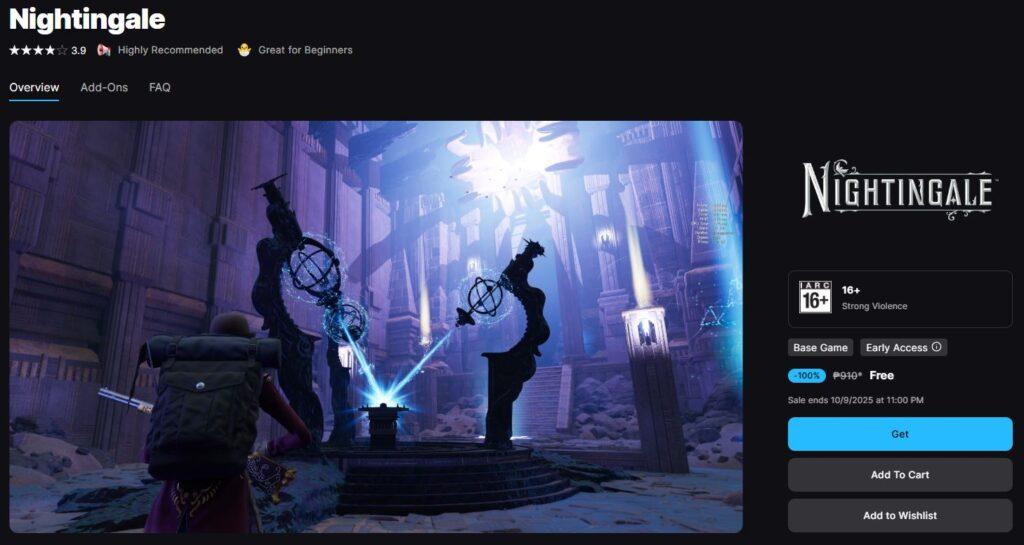
Click ang game title you want.
On the game page, click Get or Claim.
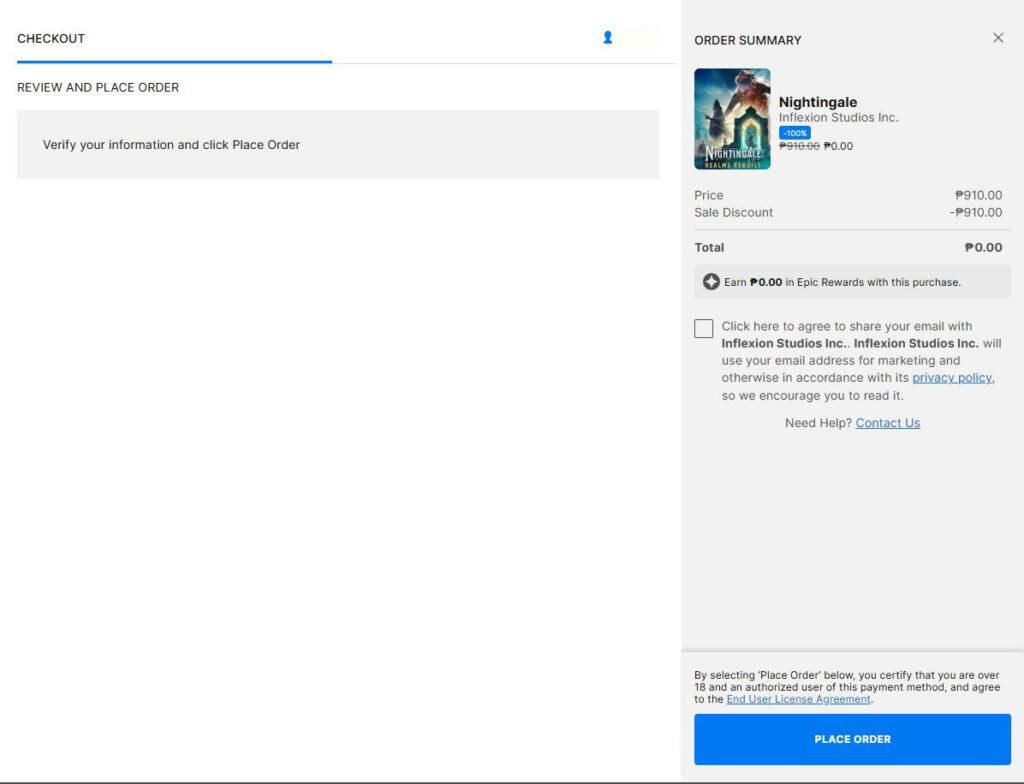
A checkout window will appear – and the amount is 0.00 (Yay!).
Click Place Order.
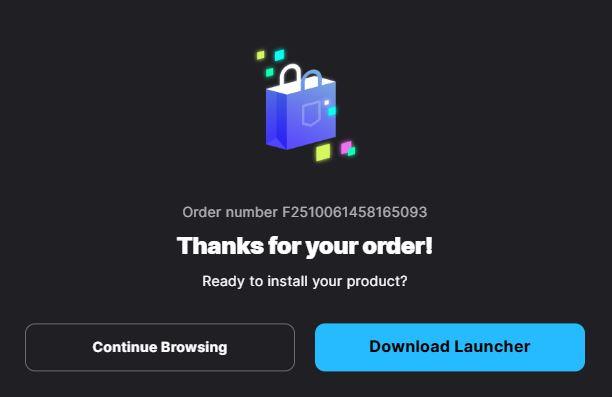
The game will be added to your Library.
Note: You don’t need to download the game right away. Once you’ve claimed it, it stays in your account permanently.
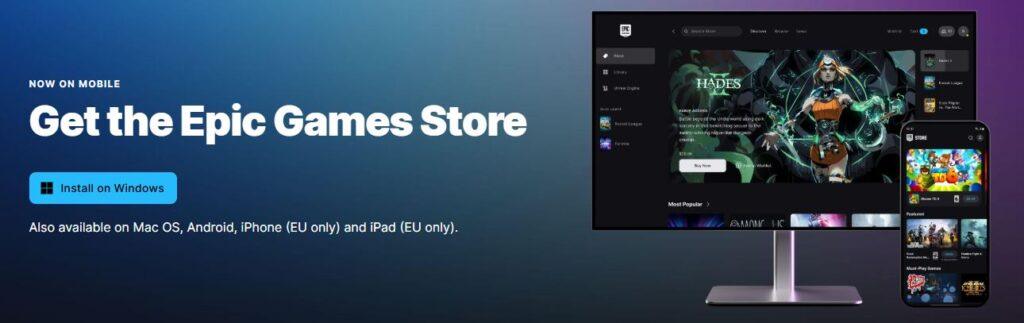
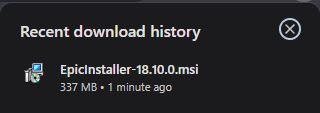
Step 4: Install the Epic Games Launcher
Download and install here: https://store.epicgames.com/download
Log in using your Epic account.
Go to your Library tab.
Click Install on the game you want to play.
After it finishes downloading, click Launch and you can start playing.
Note: If you encounter the “Epic Games ended prematurely” error on Windows 10 like I did, just download the Epic Games Launcher from the Microsoft Store instead.
Step 5: Repeat Steps 2 & 3 Every Week
Epic updates free games every Thursday at 11:00 PM (Philippine time). Note that update schedule may vary depending on your location.
What kind of games are free?
From indie gems to big titles like GTA V, Death Stranding, Control, and Assassin’s Creed Syndicate.
Do you need a card?
No! As long as it says 0.00, just click “Place Order.”
So there you have it – an easy and legit way to build your PC game library without spending a single money. With the Epic Games Store giving away free games every week, all you need is a few clicks and a bit of consistency. Enjoy!
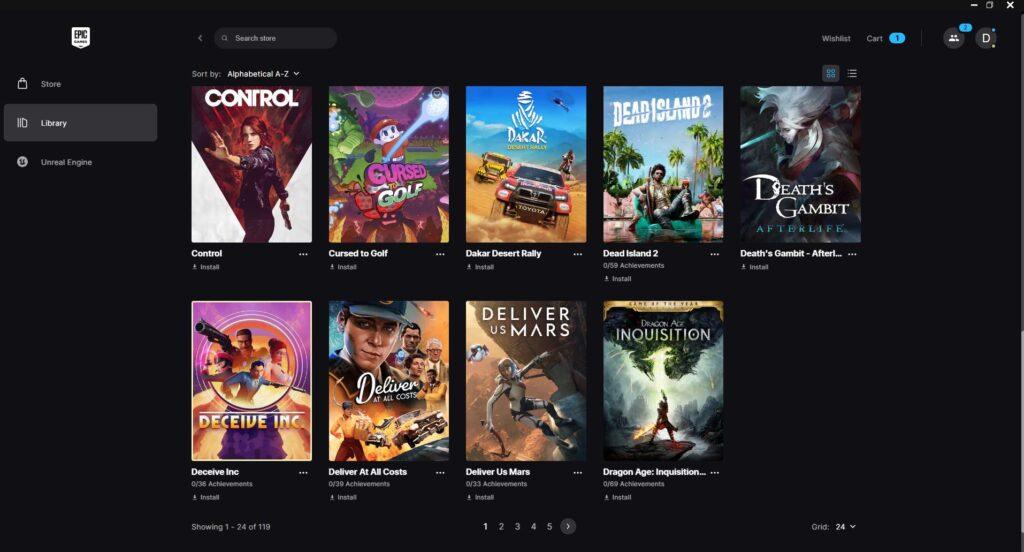
This is my library of free games. I’ve already collected 119 games. And take note, there were even weeks when I forgot to claim. Once you open the Launcher, just pick the game you claimed, then click Install. After installing, GAME NA! (Game on!)